
Power Query – Simple Transformations
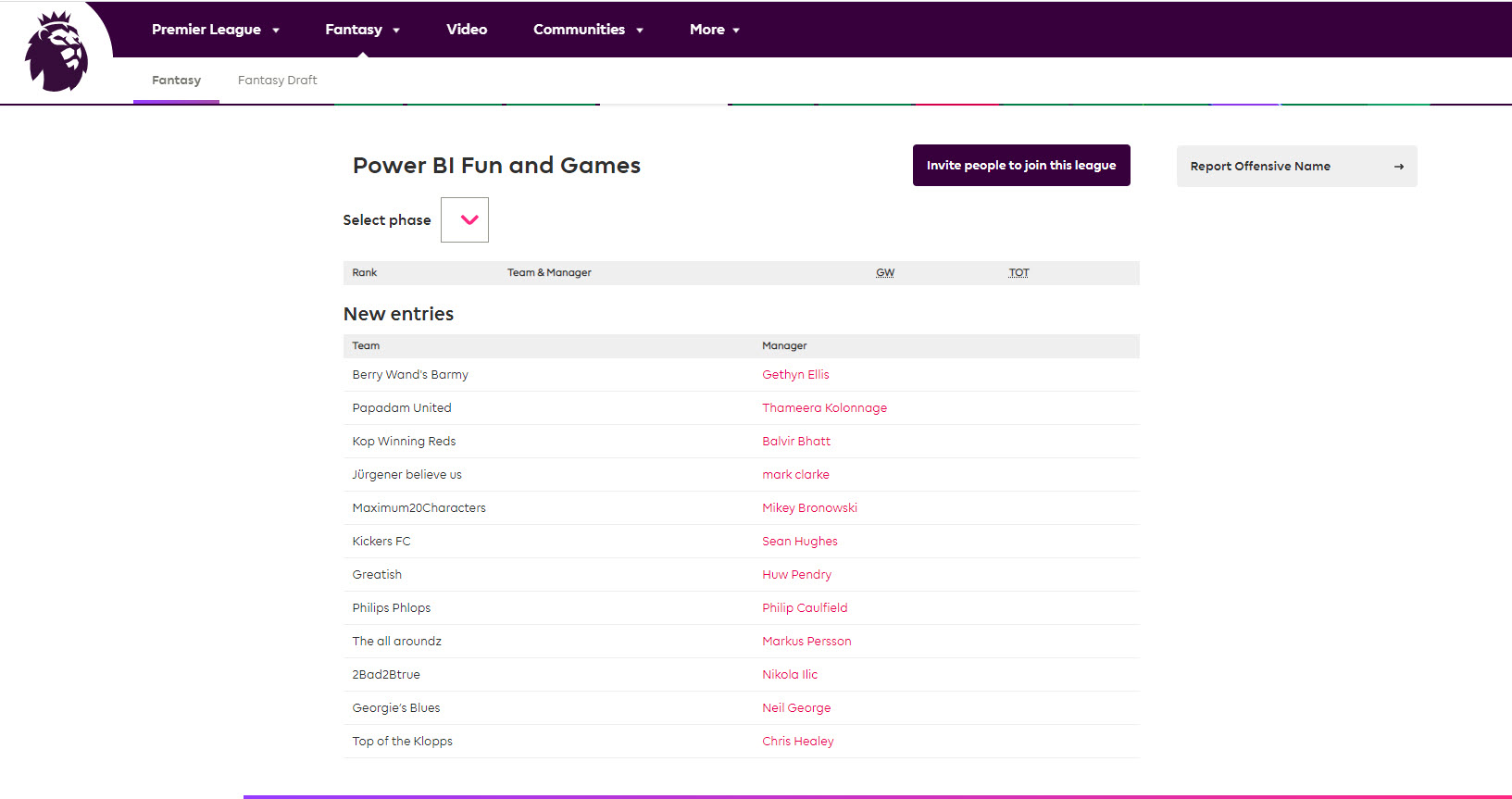
So we continue our FPL journey. We have had several people sign up for the league over the last couple of days. At the time of writing, we have reached 12 entries into the league. So with a week to go before the season starts, I’m hopeful of getting to twenty teams in the league. We shall see, if you are reading this and want to play along join using this link https://fantasy.premierleague.com/leagues/auto-join/apdxnm or the code apdxnm
Transforming data with Power BI
The reason for all the fuss around the league is I want to use the FPL data to showcase some of what Power BI has to offer. Therefore, I will be basing my team selection on the data we can extract from the FPL dataset. I am hopeful I can do better than previous seasons where I have done OK. However, I know I can do better and I’m going to attempt to use the data this year to make better decusions

To aid my data analysis, I’m going to use Power BI and below we have my tutorial on transforming data using Power Query. To summarise, thus far, I have
- connected to the FPL APIs using Powersehll
- Saved the data to a CSV file
- Loaded the CSV into Power BI
And now I’m going to perform some transformations on the data before loading into my Power BI report
You can watch the video here
In the next video we will look at creating some visualisation to help us pick the best team
Related Content
Some content related to this post includes:
0 Comments